
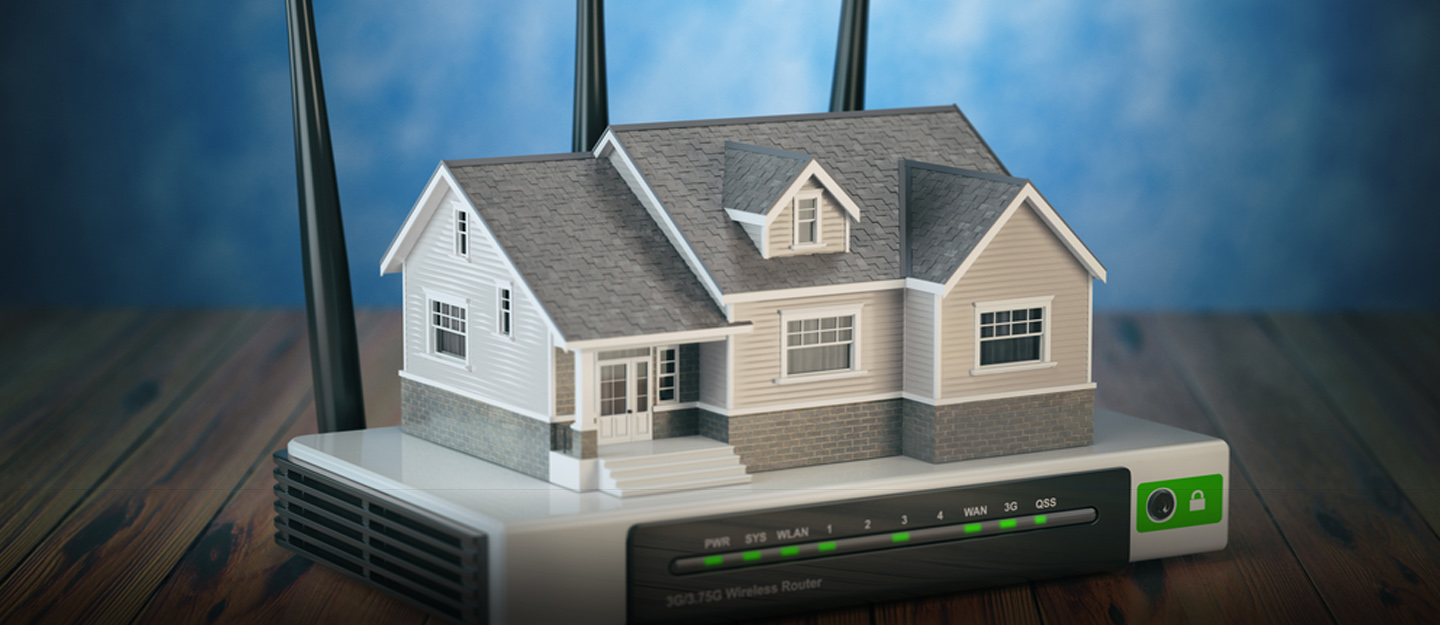
In the ever-evolving landscape of the digital age, a reliable Wi-Fi connection has transformed from a luxury to a fundamental necessity. This shift is propelled by the ubiquity of internet-dependent devices in our daily lives and the widespread adoption of remote work, underlining the critical need for a robust Wi-Fi connection. Beyond personal and professional spheres, numerous industries now rely heavily on this technology to execute operations efficiently.
The frustration of lag during online gaming or interruptions while streaming our favorite TV shows is a shared experience. To help you optimize your Wi-Fi connection and fully harness the potential of your internet, we’ve compiled some straightforward tips.
Strategic Wi-Fi Router Placement:
The location of your router within your home significantly influences the quality of your connection. While proximity to the router enhances signal strength, it’s not practical to stay near it all day. Optimize signal distribution by placing the router centrally, avoiding obstructions, and keeping it in an open space rather than hidden away.
Password Protection:
Ensure your Wi-Fi network is password-protected to prevent unauthorized access that could slow down your internet speed. Craft a secure password by using a combination of letters, numbers, and symbols. This simple step safeguards your Wi-Fi connection, ensuring only authorized users can access it.
Disconnect Idle Devices:
Identify and disconnect devices needlessly connected to your Wi-Fi network. Devices like tablets left connected unintentionally can sap bandwidth. Turning off or disconnecting Wi-Fi on idle devices frees up bandwidth and optimizes your Wi-Fi connection.
Embrace Wired Connections:
While wireless technologies are popular, don’t overlook the reliability of wired connections. Using an Ethernet cable provides a stable, interference-resistant connection. Connect devices like PCs, laptops, or game consoles directly to your router’s Ethernet port to optimize your connection and reduce the risk of signal drops or slowdowns.
Upgrade Your Internet Package:
If persistent Wi-Fi issues persist, consider that your current internet package may not meet your needs. Heavy internet users requiring faster speeds should explore upgraded packages for seamless streaming, quicker uploads and downloads, and smoother online experiences.
For personalized assistance in finding a suitable package, our knowledgeable team is available via Live Chat. Alternatively, browse through our available packages to identify the one that best aligns with your requirements.